How it works
Five steps to never
thinking about mileage
Install once. Drive like you always do. The app handles detection, logging, and IRS formatting so you can focus on actual work.
Two minutes of setup, then never again
Download from the App Store, grant location and motion permissions, and tell the app what you do for work. It projects your annual deduction before your first drive.
- Location + motion permissions enable background detection
- Select your profession for personalized deduction estimates
- No account or credit card required to start
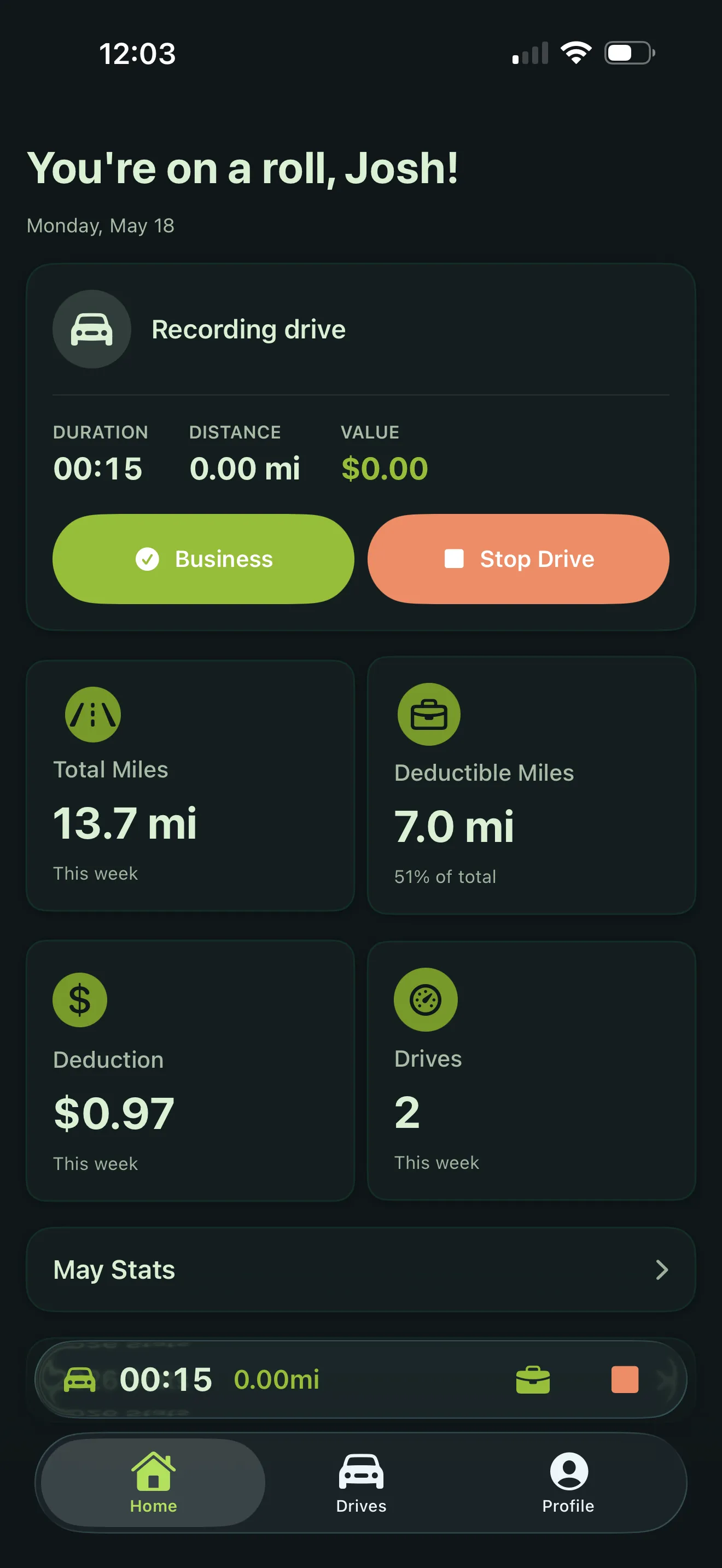
Five sensors watching so you don't have to
GPS, motion, CarPlay, Bluetooth, and parking geofences work together to detect every trip. The drive appears on your lock screen via Live Activity while it's happening.
- Leaving a parking geofence starts tracking automatically
- Connecting to CarPlay or pairing to car Bluetooth also triggers detection
- Live Activity shows miles, elapsed time, and a stop button on your lock screen
- Battery impact: 1–2 % per day
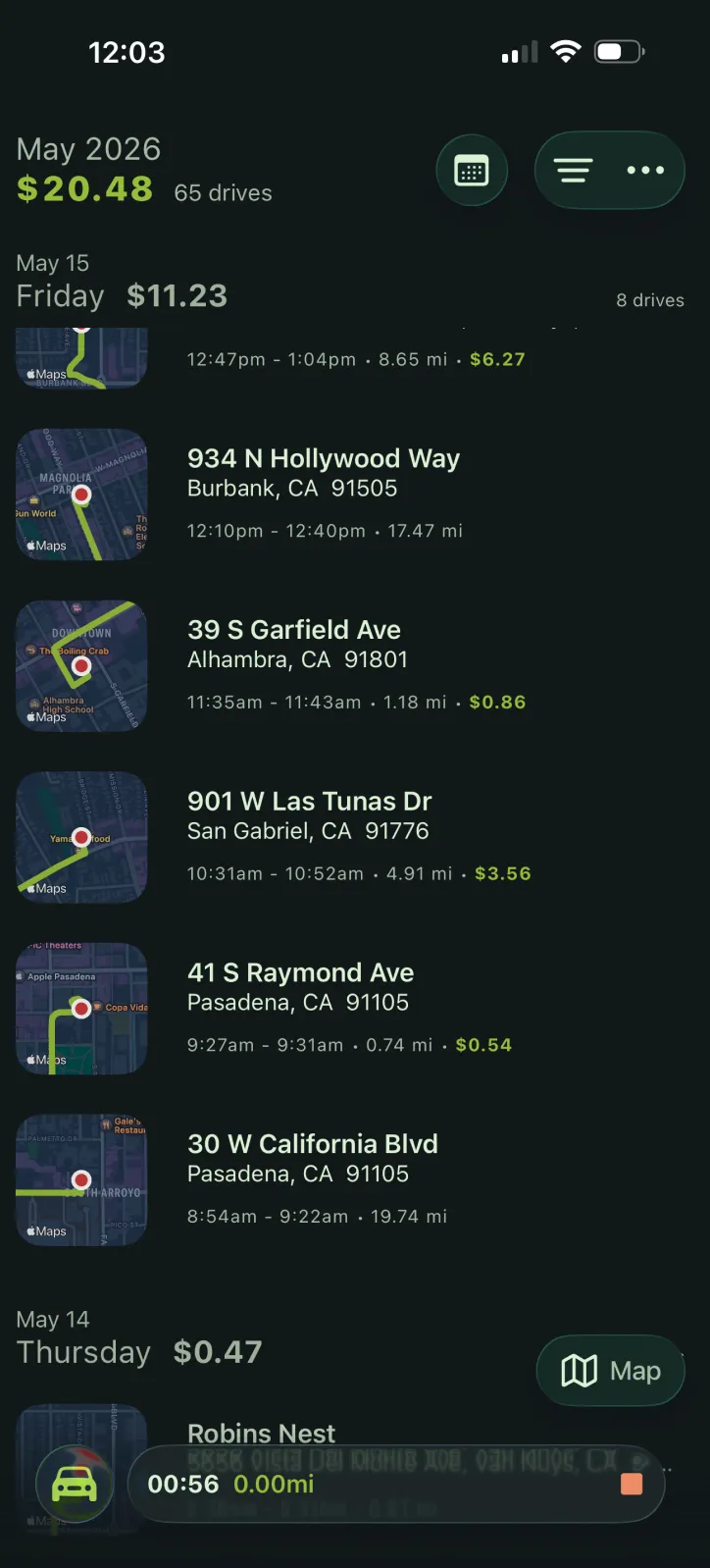
One tap, five IRS categories
Each drive lands on your timeline with start and end addresses. Tap once to classify as business, personal, medical, charitable, or moving. Saved locations auto-classify familiar routes.
- Saved locations pre-tag drives so you skip the tap entirely
- Bulk-classify a whole week of drives in under a minute
- Split or join trips if the app grouped things wrong
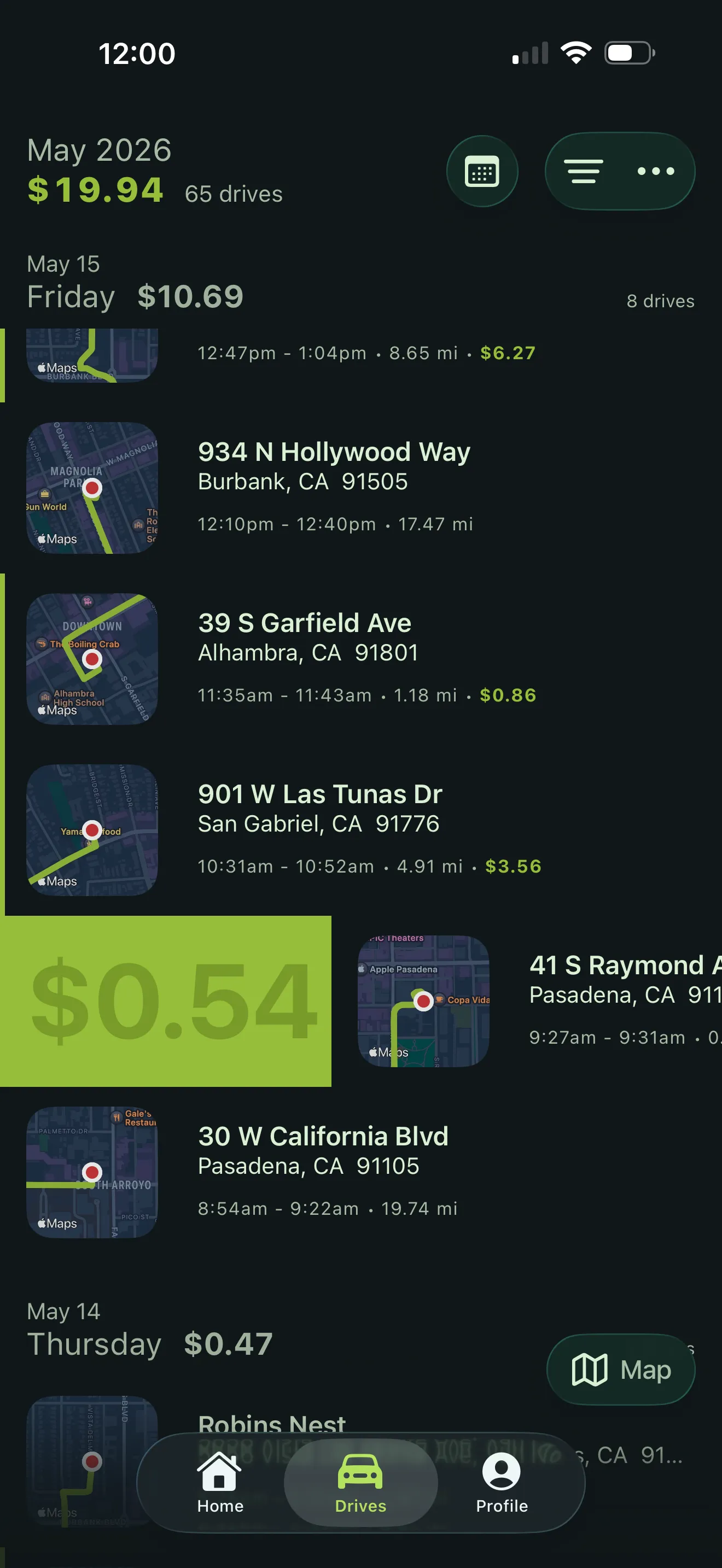
Export what your CPA actually needs
Generate an IRS-compliant mileage log as a PDF formatted to Publication 463, or export raw data as a CSV that imports into any accounting software or reimbursement system.
- Filter by date range, vehicle, or category
- PDF includes date, addresses, purpose, distance, and mileage rate
- Share via email, AirDrop, or save to Files
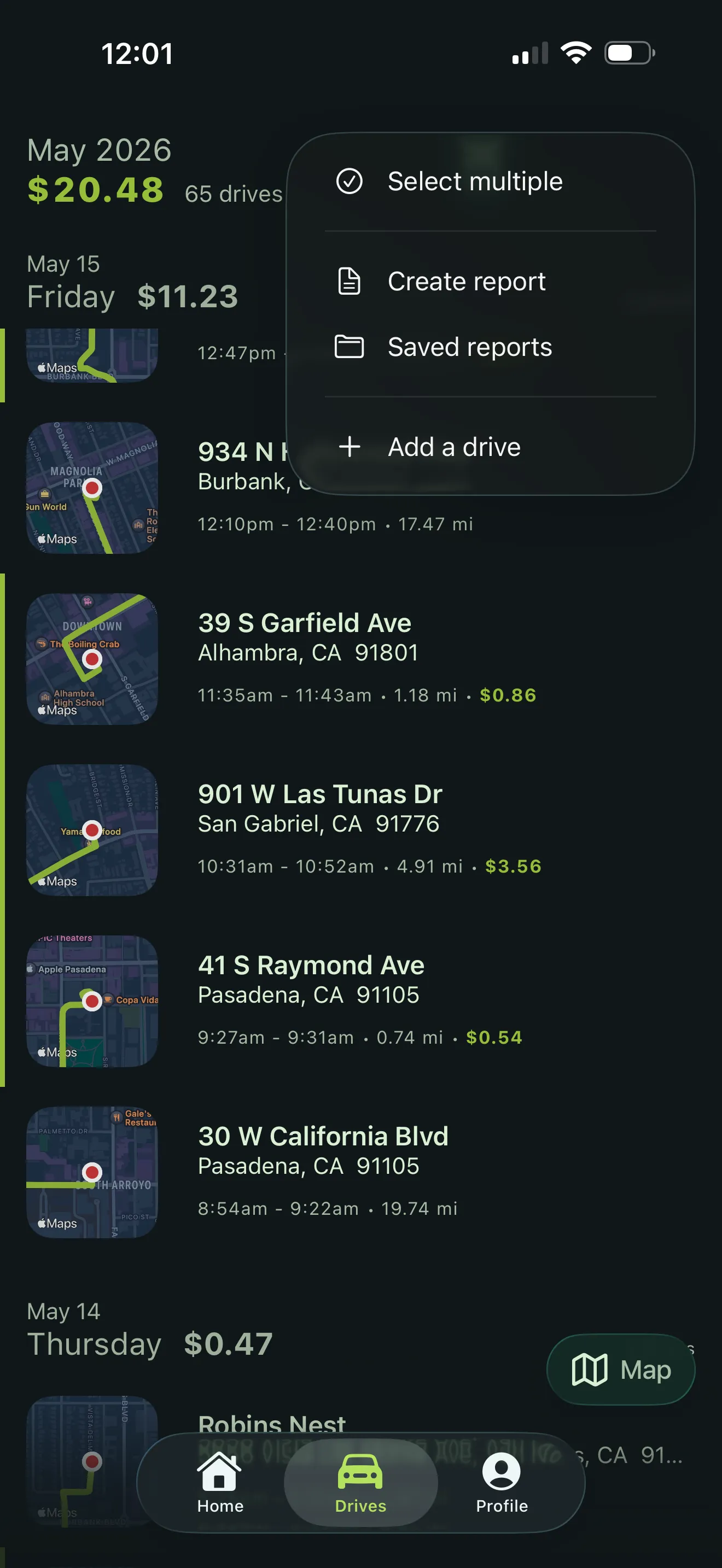
See what your driving is actually worth
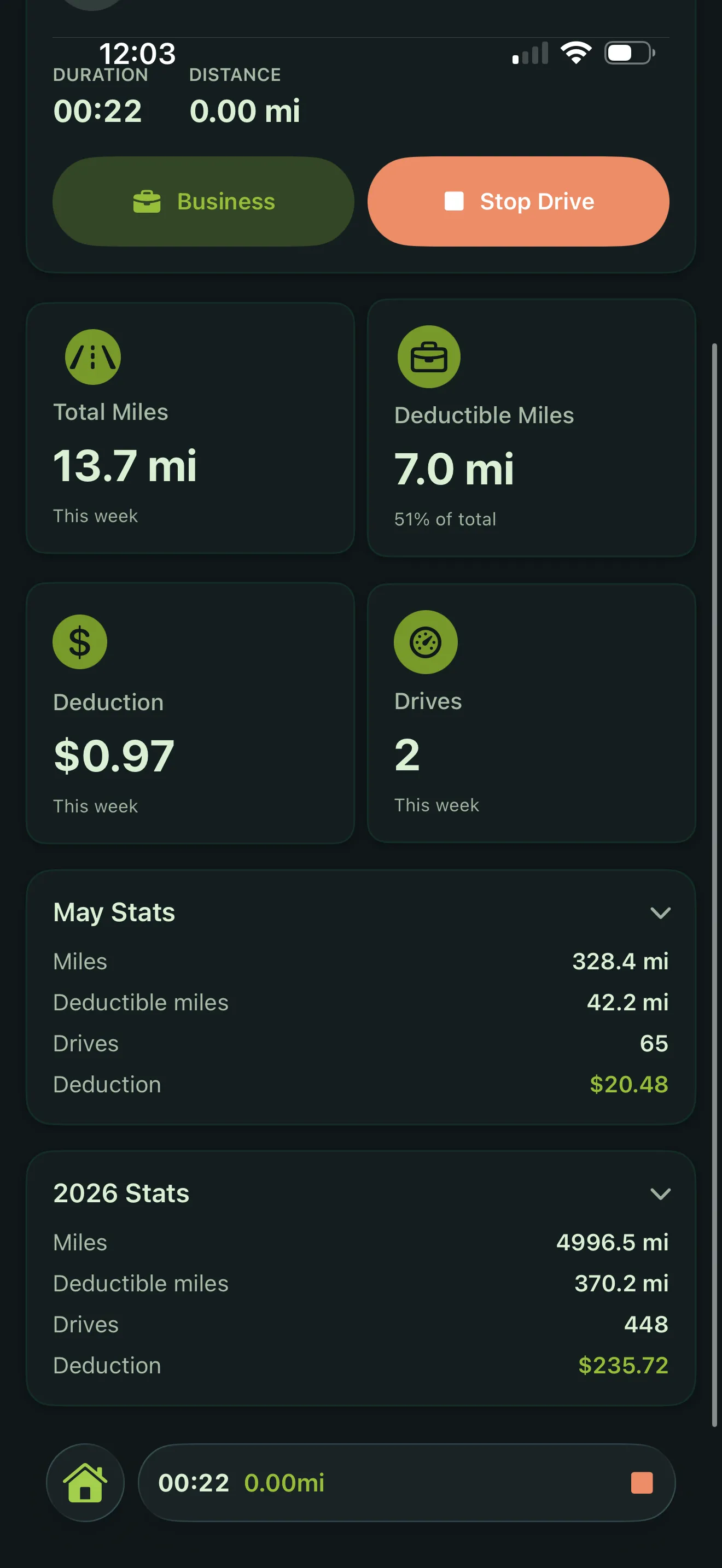
The dashboard shows your running deduction total in real time. At year-end, your mileage log is ready before your accountant asks for it.
- Business rate: 72.5¢/mi through June 30, 76¢/mi from July 1 (2026)
- Medical / moving: 20.5¢/mi, then 23.5¢/mi from July 1
- Charitable: 14¢ per mile (2026)
The difference
A year of driving, two ways
What changes when you stop relying on memory and start relying on sensors.
Ready to stop losing deductions?
Free for 30 days. No credit card required.
Scan to install Point your iPhone camera here