Features
Track every mile,
save every dollar
Engineered for accuracy, automation, and privacy. Six things EveryLastMile does, and does well.
Scan
Six features, one minute each
Detection that doesn't miss
GPS + motion + CarPlay + Bluetooth + parking geofences — five signals fuse into one accurate start time.
Fix what other apps can't
Combine separate trips that should be one. Split a recorded drive when the app grouped two errands together.
Your driving stays yours
No EveryLastMile server stores your driving history. Your trips live on your iPhone and, when you're signed in, in your own private iCloud.
Know which drives count
One-tap classification for business, personal, medical, charitable, and moving trips.
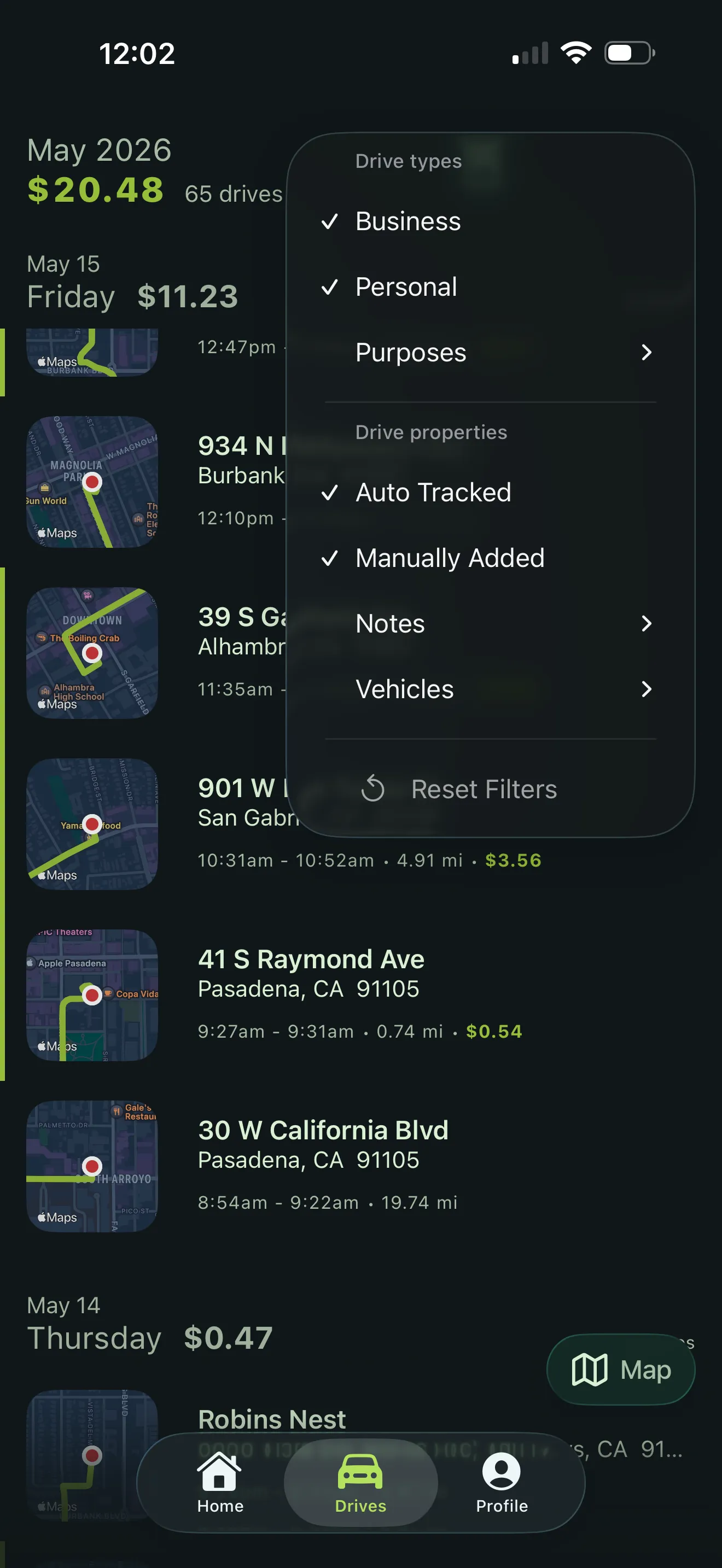
Built for tax time, not just tracking
PDF formatted to IRS Publication 463 and a CSV your accountant's software can import. Filter by date, vehicle, or category.
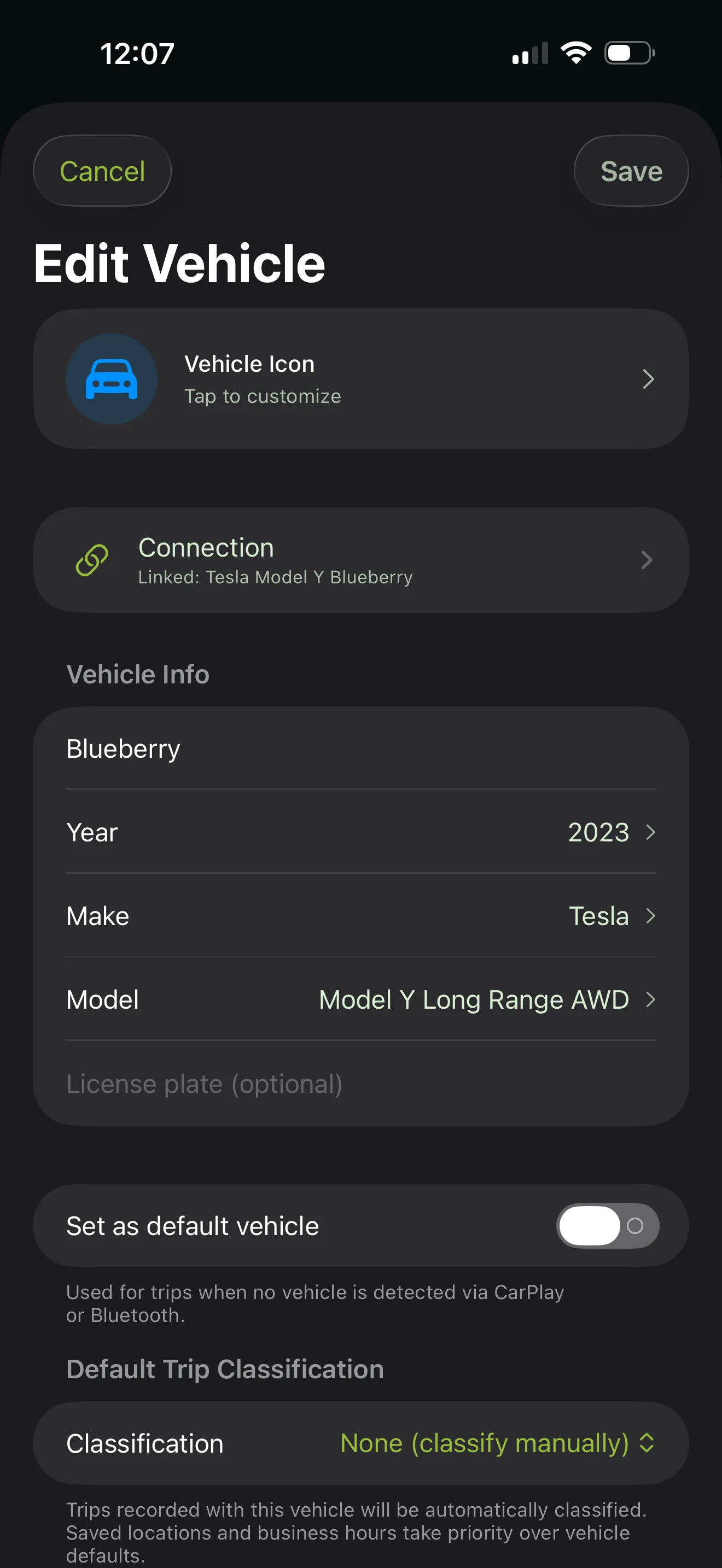
Track multiple vehicles, recognize your regulars
Unlimited vehicles with odometer tracking. Saved places pre-classify recurring trips.
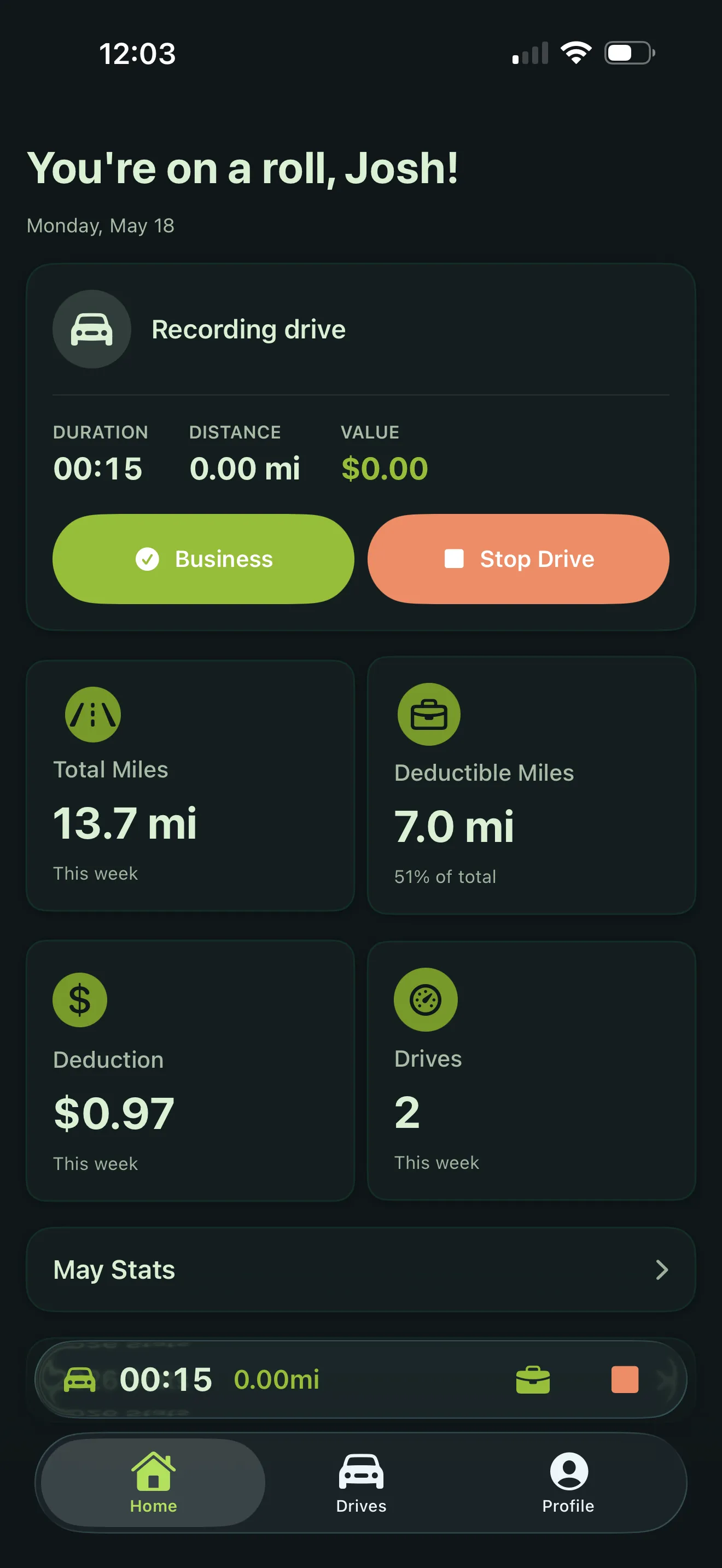
01 · Auto trip detection
Detection that doesn't miss
Multi-signal detection captures the true start of every drive — not just the moment movement is detected. Works in the background without draining your battery.
- 5 signals
- fused at start
- 1–2 %
- daily battery
-
Multi-signal start
Combines GPS, motion, and connected-device cues so the start point is the curb you pulled away from.
-
Background-safe
Around 1–2 % per day on normal use. Apple-approved efficient APIs.
02 · Drive split & join
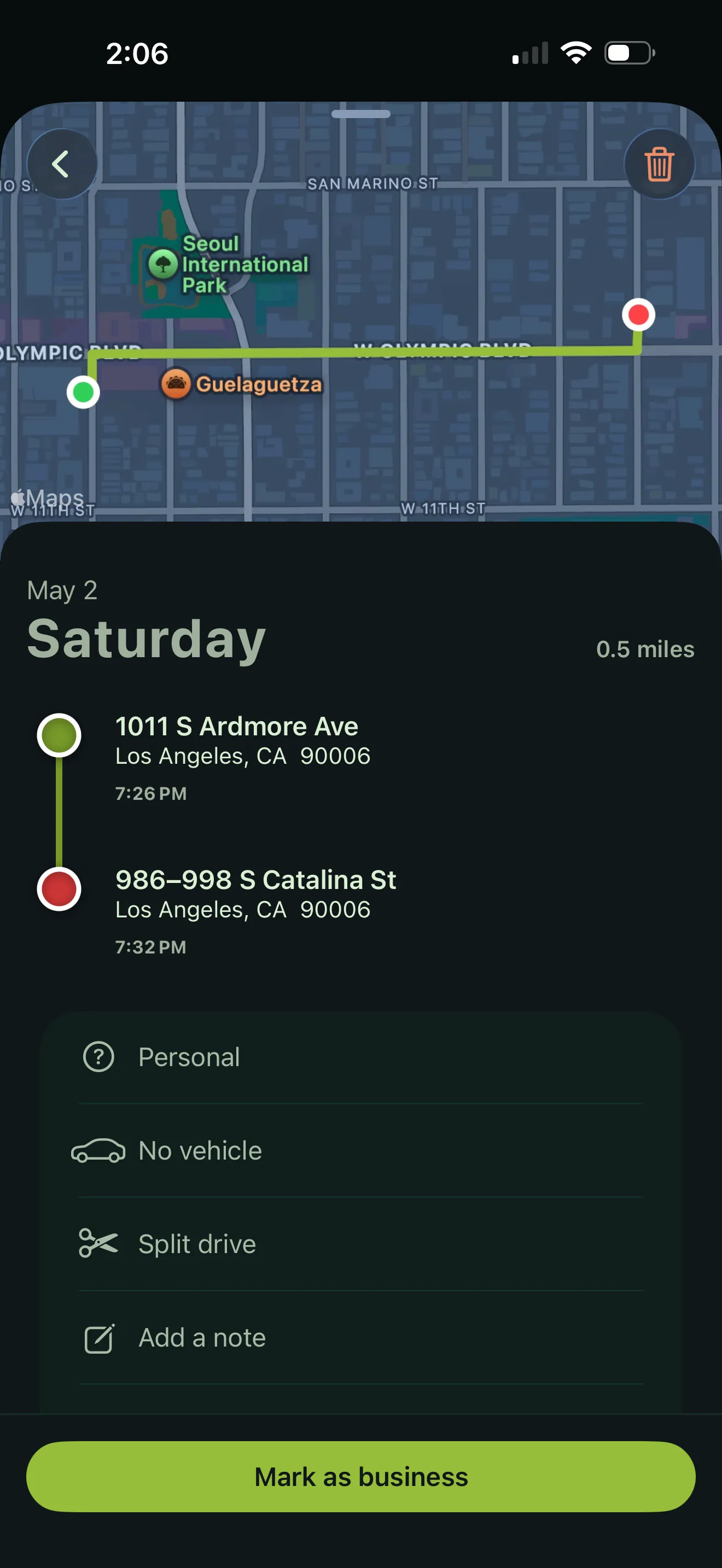
Fix what other apps can't
Other mileage apps lock you into whatever they recorded. EveryLastMile gives you the editing tools to make your log accurate.
- 1 tap
- to merge
- Any stop
- split point
- On map
- visual edit
-
Join two drives
Merge a gas-station detour back into the main trip with one tap.
-
Split at any stop
Pick the moment a drive becomes a different errand and break it cleanly.
-
Visual on-map editing
See the route, choose the divider point, confirm.
03 · Privacy by architecture
Your driving stays yours
Trip data, routes, and addresses are stored on your iPhone, protected by iOS Data Protection. We don't run servers that hold your trips — there is nothing for us to breach, sell, or hand over. Routes and addresses are never sent to our analytics provider, and mapping and weather providers receive coordinates only, with no name, account, or trip details attached.
- 0
- of our servers hold your trips
- 0
- routes sent to analytics
- Your
- iCloud only
-
No server of ours holds your drives
We operate no database of your trips, routes, or addresses. Not encrypted on our servers — not on them at all.
-
Analytics never sees a route
Routes, addresses, and notes are blocked from analytics events in code, not just in policy.
-
Your iCloud, not ours
Signed in, sync goes to your private CloudKit database. Apple holds it; we cannot read it.
-
Export or delete anytime
Your data, portable and disposable on your terms.
04 · Smart classification
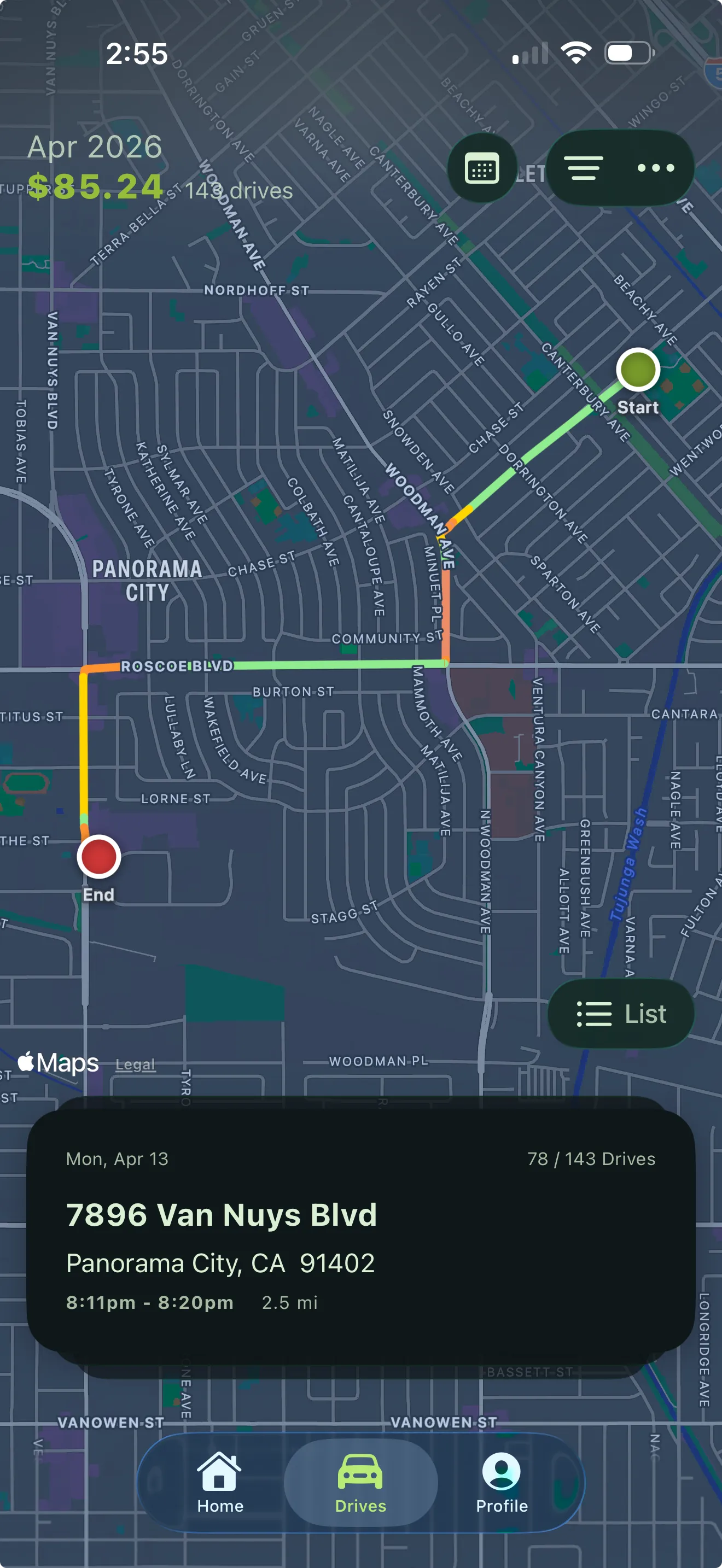
Know which drives count
Saved locations and patterns help the app suggest the right category over time. When you're not sure if a drive qualifies, the app helps you decide based on IRS guidelines.
- 5
- IRS categories
- 1 tap
- per drive
- Learns
- your routes
-
All five IRS categories
Business, personal, medical, charitable, moving — one tap each.
-
Pattern learning
Recurring routes get pre-classified before you open the app.
-
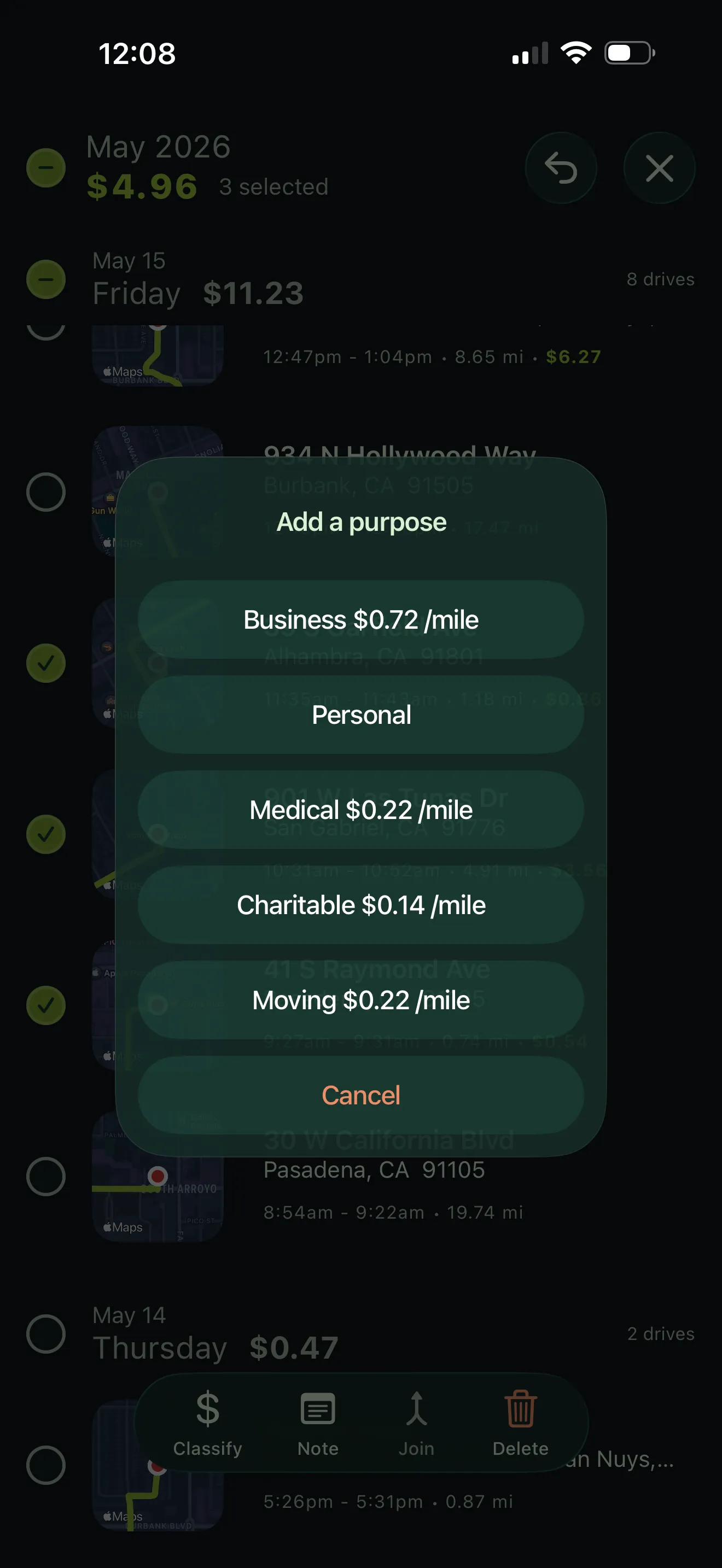
Bulk operations
Select many drives, classify them all at once.
05 · IRS-ready reports
Built for tax time, not just tracking
Generate IRS-compliant mileage reports in PDF format, ready to submit to your accountant or attach to your tax return. Every report includes the documentation IRS Publication 463 expects.
- Pub 463
- format
- PDF + CSV
- both formats
- Any range
- of dates
-
PDF for filing
Formatted to IRS Publication 463 — what an auditor would ask for.
-
CSV for everything else
Imports into any accounting software, spreadsheet app, or expense reimbursement system.
-
Filter & scope
By date range, vehicle, or category, in any combination.
06 · Vehicles & saved places
Track multiple vehicles, recognize your regulars
Add multiple vehicles with odometer tracking. Save your home, office, frequent clients, and common destinations to speed up classification.
- ∞
- vehicles
- Auto-tag
- saved places
- Synced
- with odometer
-
Unlimited vehicles
Personal car, work car, your spouse's car. All tracked separately.
-
Saved locations
Home, office, frequent clients pre-tag drives by start or end point.
-
Odometer-aware
Keep the running total each car shows on its dash in sync with the app.
Ready to track every last mile?
Free for 30 days. Subscribe for uninterrupted access.
Scan to install Point your iPhone camera here